

Being a virtual assistant does not mean you are on your own. Every great virtual assistant runs on systems, not stress. With the right productivity tools, you can streamline your work, protect client information, and achieve faster results without burnout. Below, you’ll find simple, ready-to-use tools that can make your workday smoother and more efficient.
(Want to learn more about working as a Medical VA? Check out our Medical VA Bootcamp.)
Note Taking
Microsoft OneNote
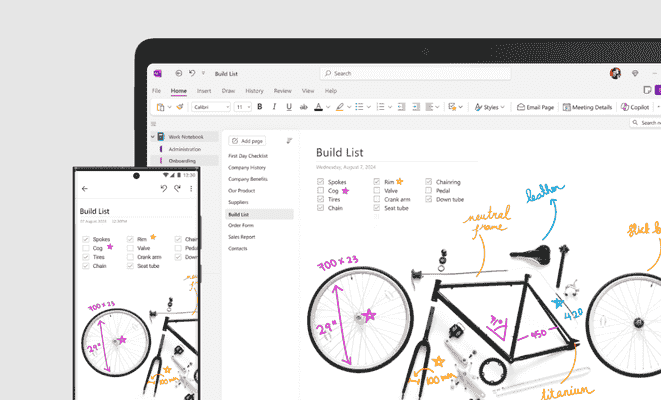
OneNote comes pre-installed on most Windows computers. It’s a flexible digital notebook that helps you organize client information, meeting notes, SOPs, and research in one place. As a result, you’ll spend less time searching for details and more time delivering value.
In addition, OneNote automatically indexes typed notes, handwriting, and even text inside images (OCR). This means you can quickly find the exact snippet you need without digging through folders.
Price: Free (pre-installed)
Learn more about OneNote
Obsidian
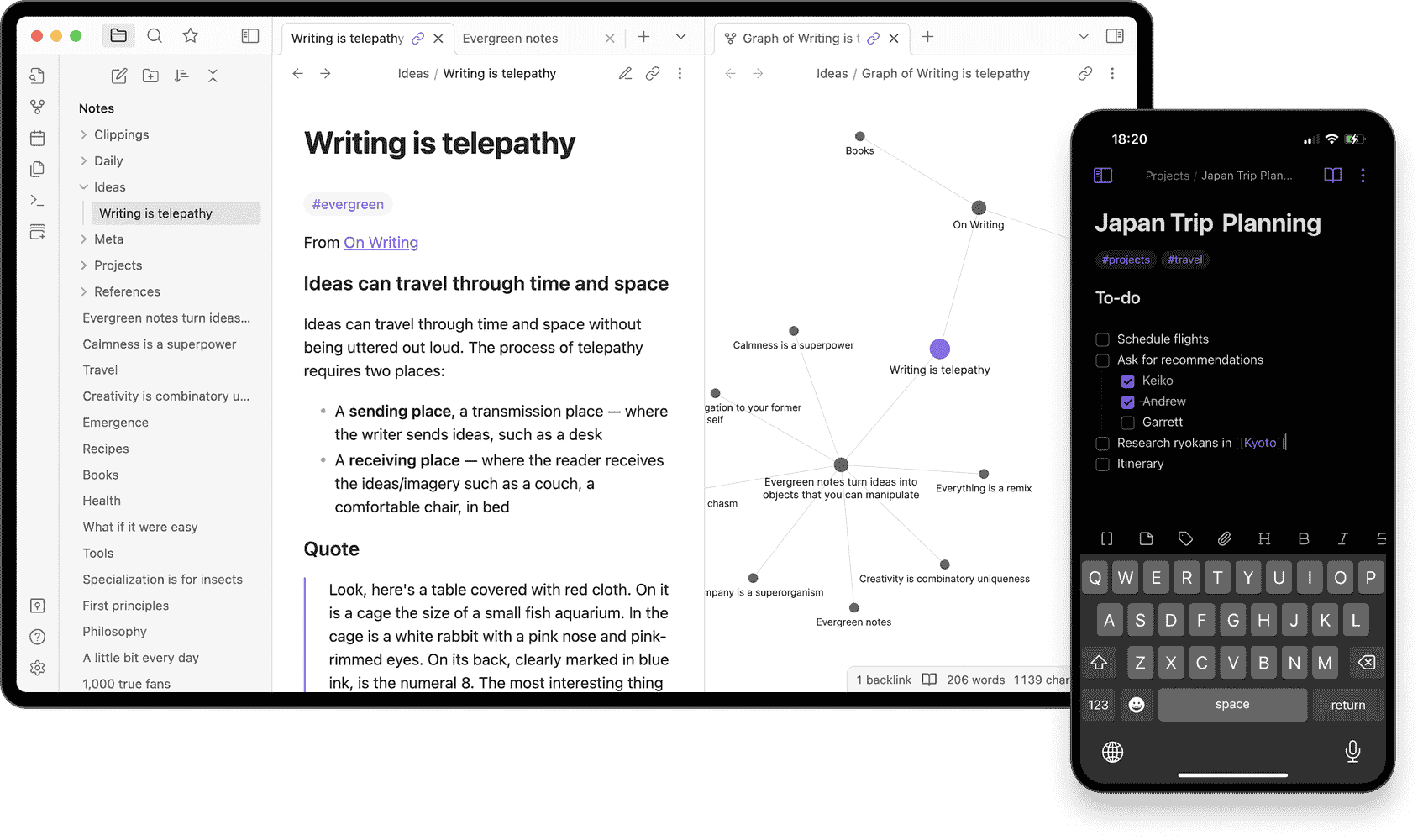
Obsidian is another powerful and flexible knowledge base. It works on local Markdown files, which makes it a fantastic “second brain” for virtual assistants. Moreover, it turns scattered notes and ideas into an interconnected, searchable system. Perfect for managing SOPs, client details, and research.
Price: Free
Learn more about Obsidian
Graphic & Image
Canva
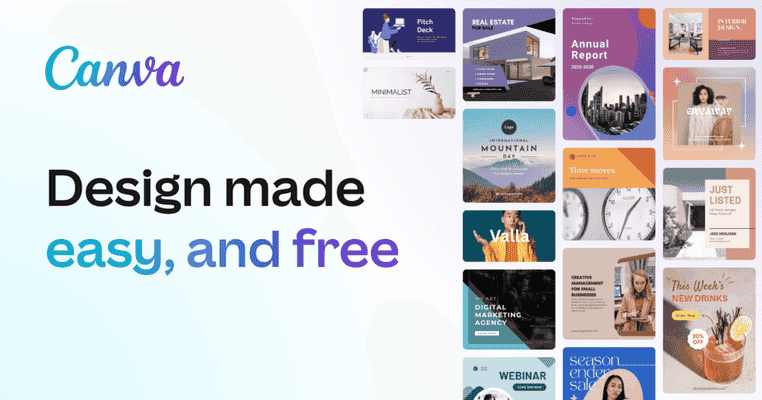
Canva is a free online graphic design tool that simplifies visual communication. In today’s digital world, visuals are everywhere — from social media to client presentations. That’s why many virtual assistants rely on Canva to create stunning designs quickly, even without design experience.
Furthermore, Canva’s huge library of templates helps you maintain consistent branding and save time. Whether you need a post, flyer, or presentation, you can easily customize a ready-made design and make it your own.
Price: Free plan available
Learn more about Canva
Video Editing
Capcut
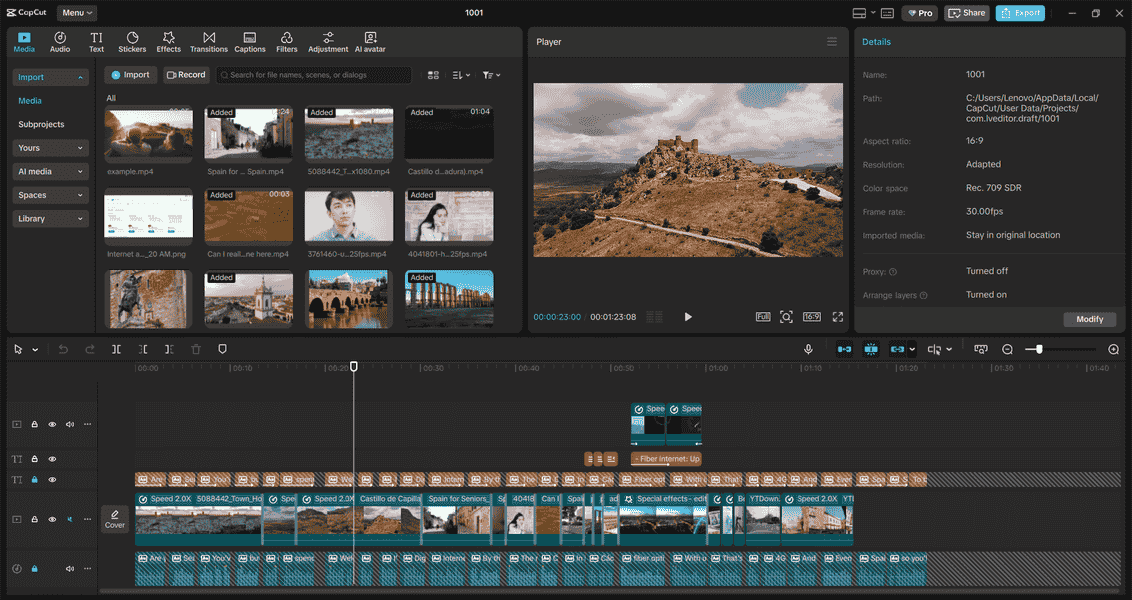
In today’s visually driven world, video content reigns supreme! Virtual assistants often create short videos or promotional clips for clients. Fortunately, CapCut makes the process simple and fun.
It offers a clean, drag-and-drop interface — ideal for beginners who want professional results without the complexity. Additionally, CapCut includes transitions, effects, and captions that help you elevate any project.
Price: Free plan available
Learn more about CapCut
Password Manager
Bitwarden
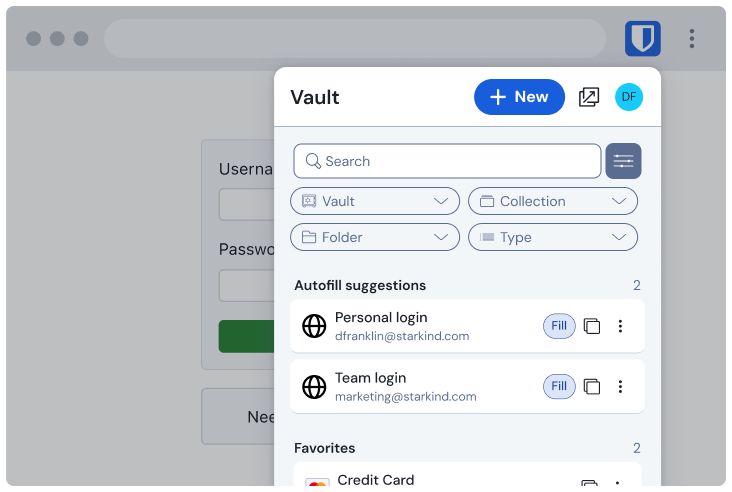
Working with clients means managing multiple accounts and logins. Instead of keeping everything in spreadsheets or sticky notes, Bitwarden lets you store all passwords and secure notes safely in an encrypted vault.
Moreover, it syncs across all your devices (desktop, laptop, tablet, or phone) so you can access what you need anytime, anywhere.
Price: Free plan available
Learn more about Bitwarden
Project Management
Trello
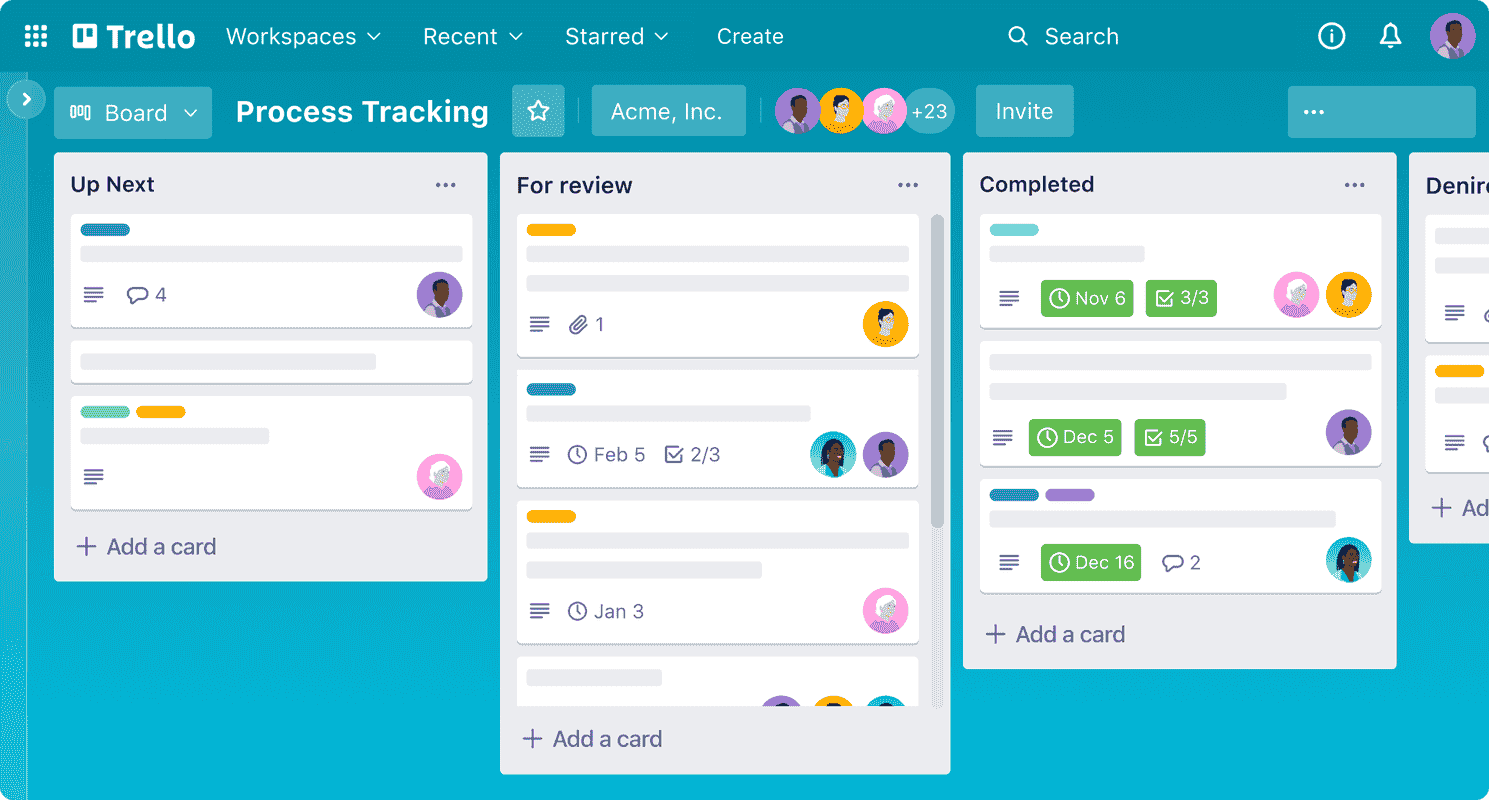
Keeping track of multiple clients and tasks can be overwhelming. However, Trello simplifies the process by letting you organize everything visually using boards, lists, and cards. As a result, you can clearly see priorities, deadlines, and progress all in one place.
Price: Free, paid plans start at $5/month
Learn more about Trello
Asana
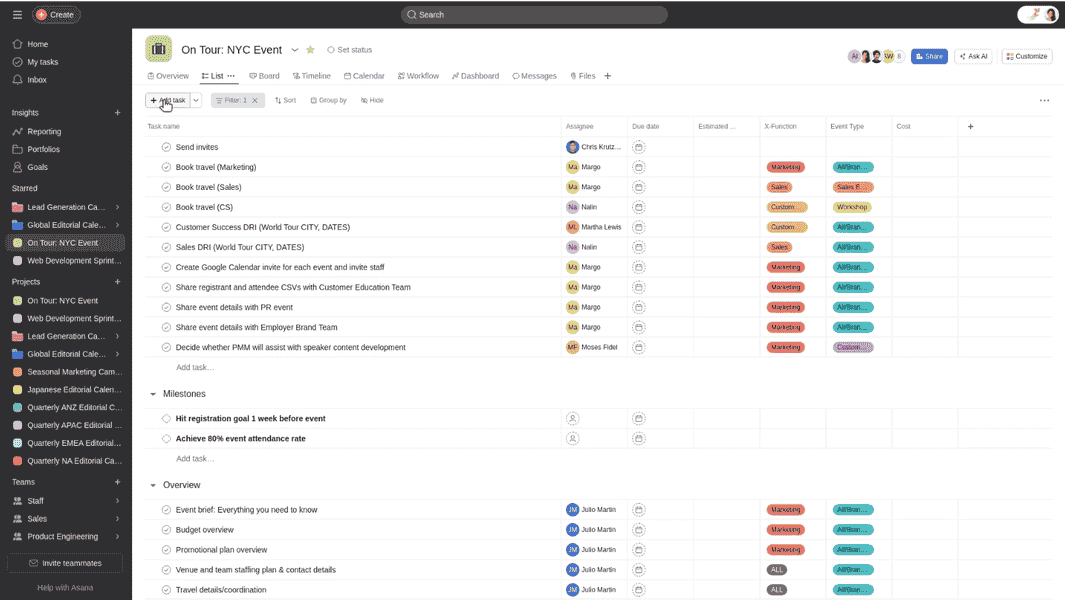
Asana helps virtual assistants manage projects, deadlines, and communication. Unlike Trello, it offers detailed features like timelines, task dependencies, and progress tracking. Great for team projects or long-term clients.
Price: Free, paid plans start at $10.99/month
Learn more about Asana
ClickUp
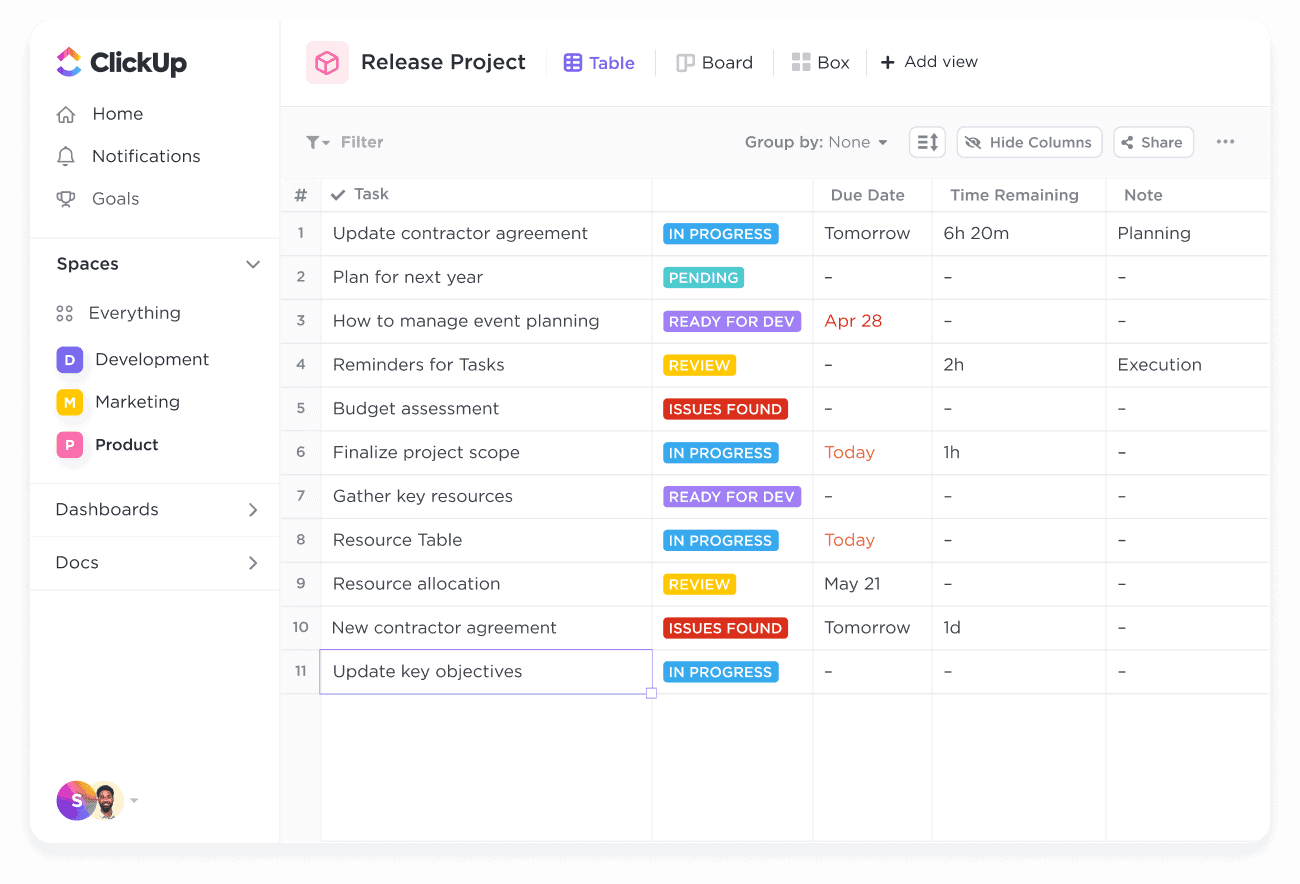
ClickUp is another all-in-one project management tool. Similarly to Trello and Asana, it helps you stay organized, but with extra features like Docs, Goals, and Dashboards — ideal for VAs who want everything in one workspace.
Price: Free, paid plans start at $7/month
Learn more about ClickUp
▶️ Trello & Asana walkthrough: see how these tools make task management easier.
Communication
Slack
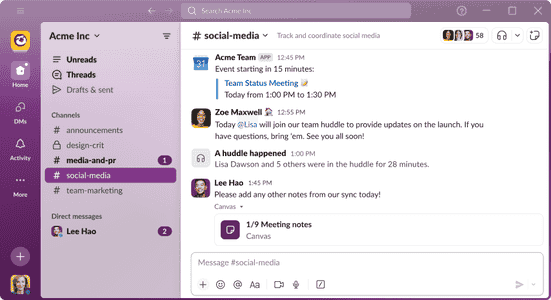
Slack helps you keep communication with clients simple and organized. Instead of juggling multiple emails, you can chat in channels, share files, and integrate tools — all in one space.
Price: Free, Pro starts at $7.25/month
Learn more about Slack
Zoom
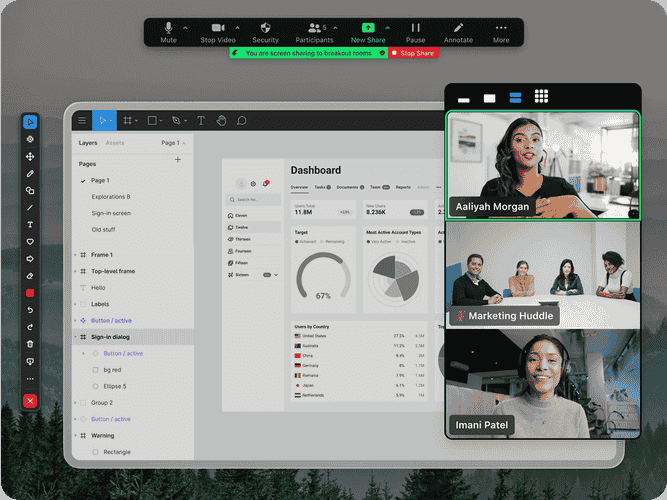
Zoom remains one of the best tools for professional meetings and client calls. Whether you’re doing a quick check-in or hosting a full training session, Zoom ensures you come across as reliable and prepared.
Price: Free (40-min limit), Pro starts at $14.99/month
Learn more about Zoom
Time & Task Management
Todoist
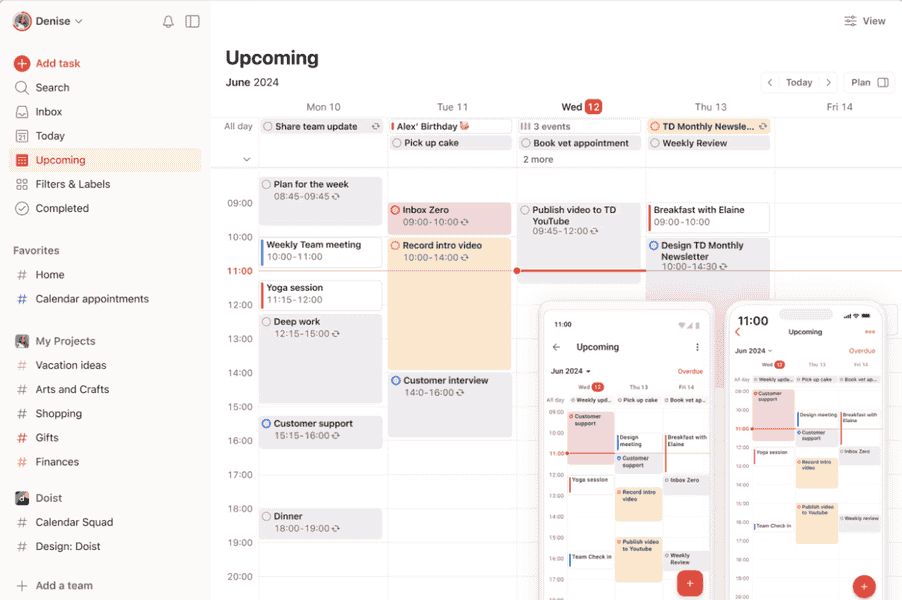
Todoist helps you stay on top of your daily workload. You can create projects, subtasks, deadlines, and recurring tasks with ease. In addition, it integrates with Google Calendar to keep everything aligned.
Therefore, it’s a great way to boost productivity and reduce overwhelm.
Price: Free, Premium $4/month
Learn more about Todoist
RescueTime
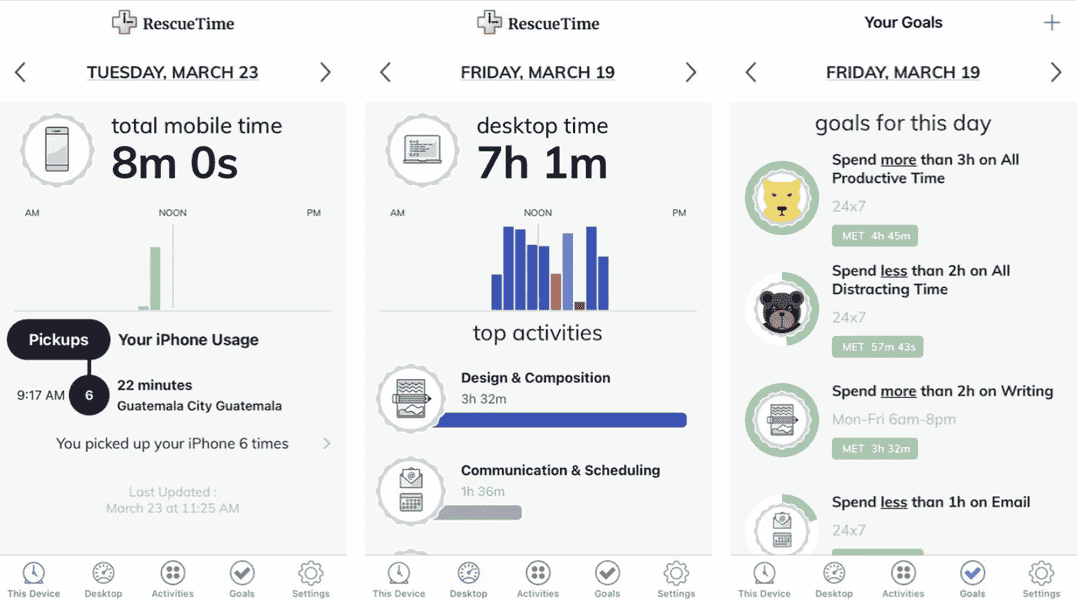
RescueTime shows you exactly where your time goes each day. For example, it tracks which apps or websites you spend the most time on and helps you find distractions before they become habits.
Ultimately, this tool helps virtual assistants improve focus and manage their time wisely.
Price: Free, Premium $12/month
Learn more about RescueTime
File Storage & Collaboration
Google Workspace
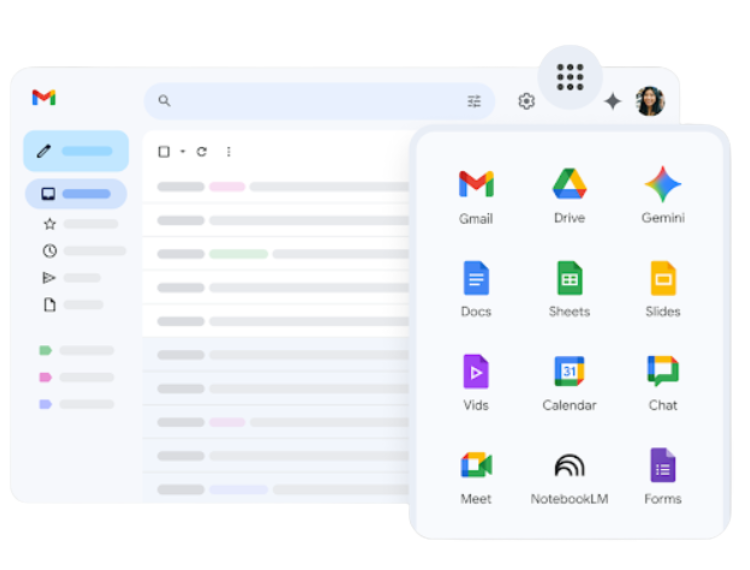
Google Workspace (Docs, Sheets, Drive) makes file sharing and collaboration effortless. For instance, you can work in real time with clients and always access the latest version of any file.
Price: Free for personal use, business plans start at $6/month
Learn more about Google Workspace
Dropbox
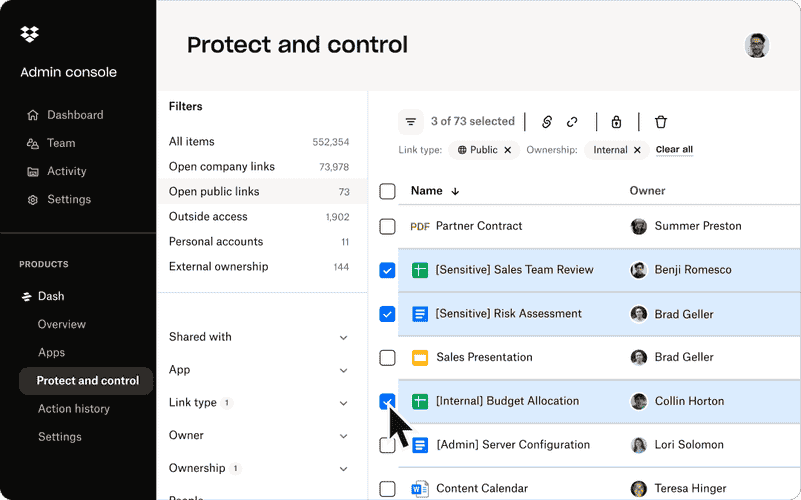
Dropbox is another great option for cloud storage. Not only does it keep your files secure, but it also makes sharing large documents with clients fast and simple.
Price: Free, paid plans start at $9.99/month
Learn more about Dropbox
▶️ Google Workspace tips: learn how to organize and collaborate efficiently.
“The right tools don’t just save time, they make you a more confident and professional VA.”
Closing Thoughts
The right productivity tools will help you work smarter, not harder. They save time, reduce stress, and make it easier to deliver consistent, high-quality results for your clients. Pair these tools with the right skills, and you’ll be unstoppable as a virtual assistant.
👉 Ready to take your VA career to the next level? Join our Medical VA Bootcamp and learn how to combine these tools with real-world healthcare skills.
🎥 Want to learn more for free?
We share practical tutorials and helpful tips on our YouTube Channel — perfect for beginner and experienced VAs who want to see these tools in action.
👥 Looking for support and community?
Join our Facebook Page to connect with other aspiring and professional VAs, share experiences, ask questions, and grow together.
Your journey to becoming a more efficient and confident VA starts today — are you ready to take the next step?
 Subscribe to our newsletter